More people feel able to visit
Families and individuals who might stay away can plan a visit, knowing what to expect.
For businesses and organisations
Make short video social stories that show people what happens at your place. Put a QR code in your window, and let visitors prepare in their own time.
£99 a year, billed annually, with unlimited social story videos.
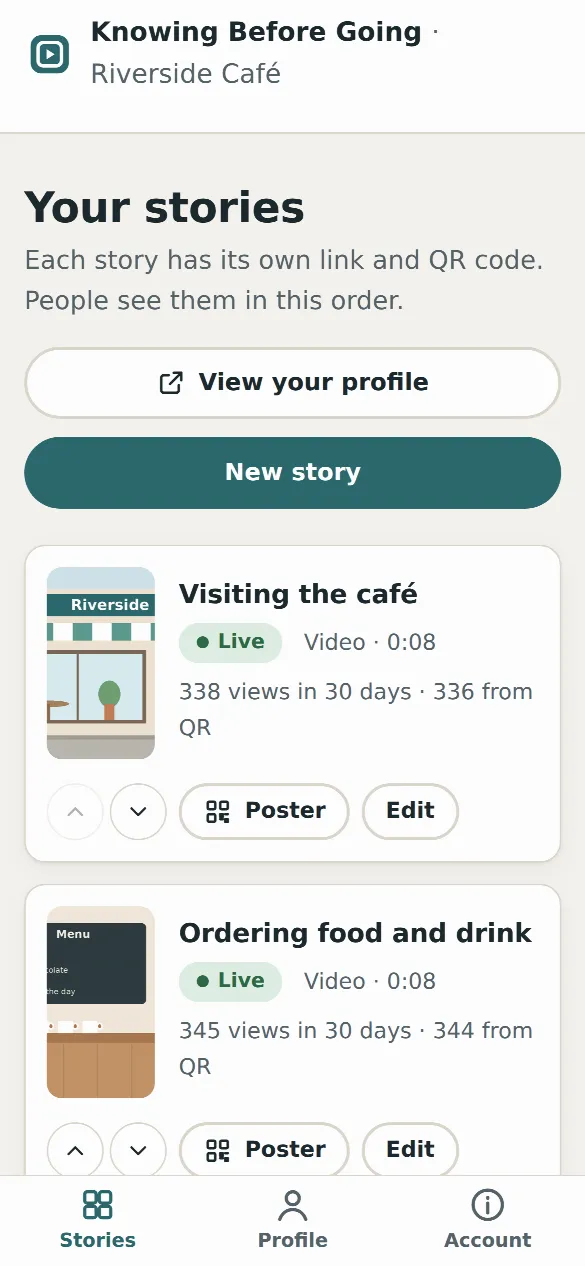
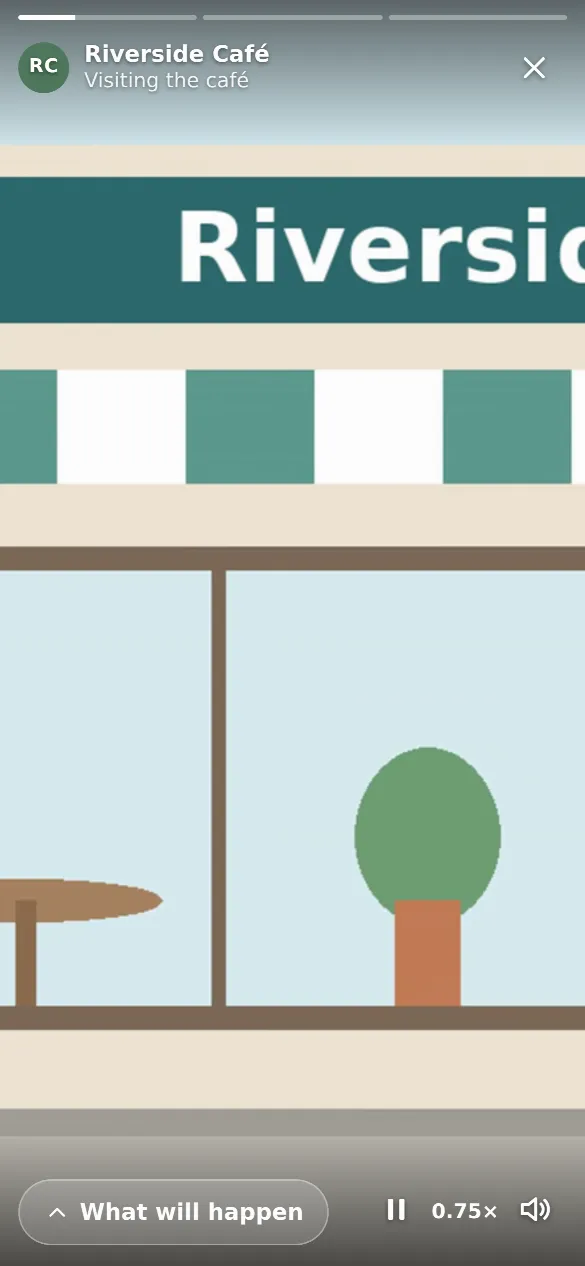
For many autistic and anxious people, not knowing what will happen is the hardest part of going somewhere new. Some stay away altogether. A social story lets them see it first.
Families and individuals who might stay away can plan a visit, knowing what to expect.
Visitors who have seen your place already know where to go, who they’ll meet and what they’ll hear.
A QR code in your window tells everyone that you’ve thought about visitors who find new places hard.
Answer “what happens when we get there?” once, clearly, for everyone, in your own words.
Your stories are there whenever people look: the week before, the night before, or outside your door.
A phone, a few minutes of filming and a few sentences. No editing skills or equipment needed.
Sign up and add your place’s name, address and what kind of place it is. This becomes your profile page.
Hold your phone upright and film a visit from the entrance onwards, for one to three minutes. No editing needed.
Write what happens in short sentences, plus anything good to know, like loud moments or a quiet space.
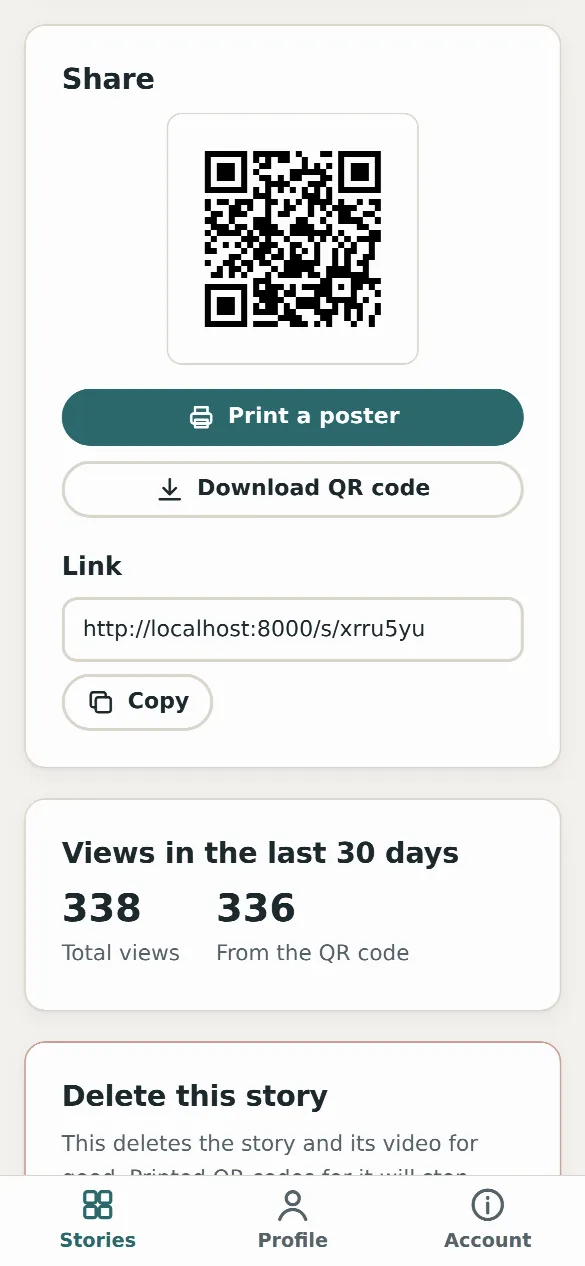
Publish the story and print its A4 poster for your window or door. Share the link on your website too.
Your first visit · Ordering at the counter · Where to sit when it’s busy
Coming to a Sunday service · What happens at a christening · Where children can go
My first day · Lunchtime in the hall · Sports day · Going on a school trip
Visiting the dentist · Arriving at the surgery · Having a blood test
Watching a show · What happens in the interval · Finding the quiet room
Going swimming · Getting a haircut · Visiting the library
£99 a year, billed annually. Unlimited social story videos. Free for your visitors.
£99 a year for each organisation, billed annually. There is no limit on the number of social story videos you upload. Visitors never pay.
No. Your yearly fee covers unlimited social story videos, so you can make a story for every part of a visit and update them whenever things change.
Create an account in the app, then pay by card through Stripe, a secure payment provider. It takes a few minutes and there is nothing to sign or post. You can start writing drafts straight away, and uploading videos and publishing open up as soon as you have paid.
Yes, at any time from your account, without needing to contact anyone. Your stories stay live until the end of the year you have paid for. After that they are hidden but kept, and if you subscribe again they come back with the same links and QR codes.
Yes. You get a receipt by email after each payment, and you can download every invoice from the billing page in your account. You can add your VAT number when you pay, and it will appear on your invoices.
Just a phone. Hold it upright and film a visit from the entrance onwards, for one to three minutes. Then add the steps in short sentences, and anything people should know, such as loud moments or a quiet space. We prepare the video so it plays smoothly on every phone.
Every story has its own QR code and a printable A4 poster for your window or door. Your organisation also gets a profile page that lists all your stories and appears in search. You can share the links on your website, in emails and on social media.
Yes. You can edit the words at any time and upload a new video whenever you like. Your current video stays live until the new one is ready.
Yes. Your dashboard shows how many times each story was viewed in the last 30 days, and how many of those views came from your QR code.
Any place people visit: cafés and restaurants, churches and other places of worship, schools and nurseries, GP surgeries, dentists and clinics, museums, libraries, theatres, cinemas, leisure centres, shops, hairdressers and events.
All you need is a phone and a few minutes.
