Find a place
Scan the QR code in a place’s window, or search by its name, your town, or the kind of place, like “café” or “dentist”.
For people and families
New places can be hard. Knowing Before Going lets you see inside first, so you know what you’ll see, hear and do, and you can go when you feel ready.
Free for everyone. Nothing to download, no account.
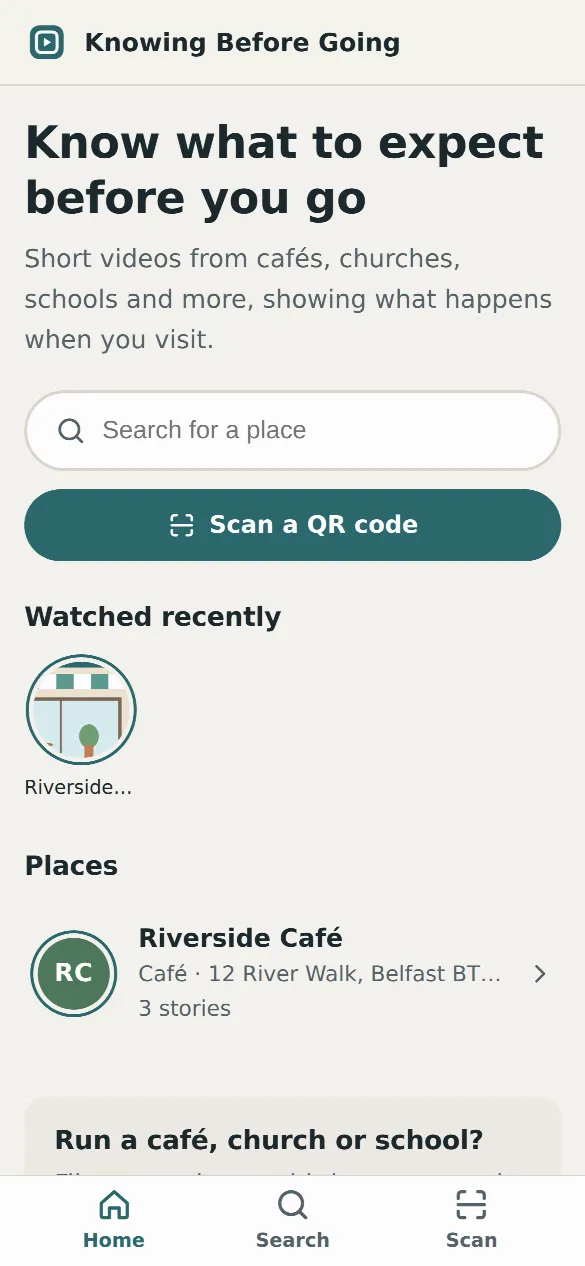
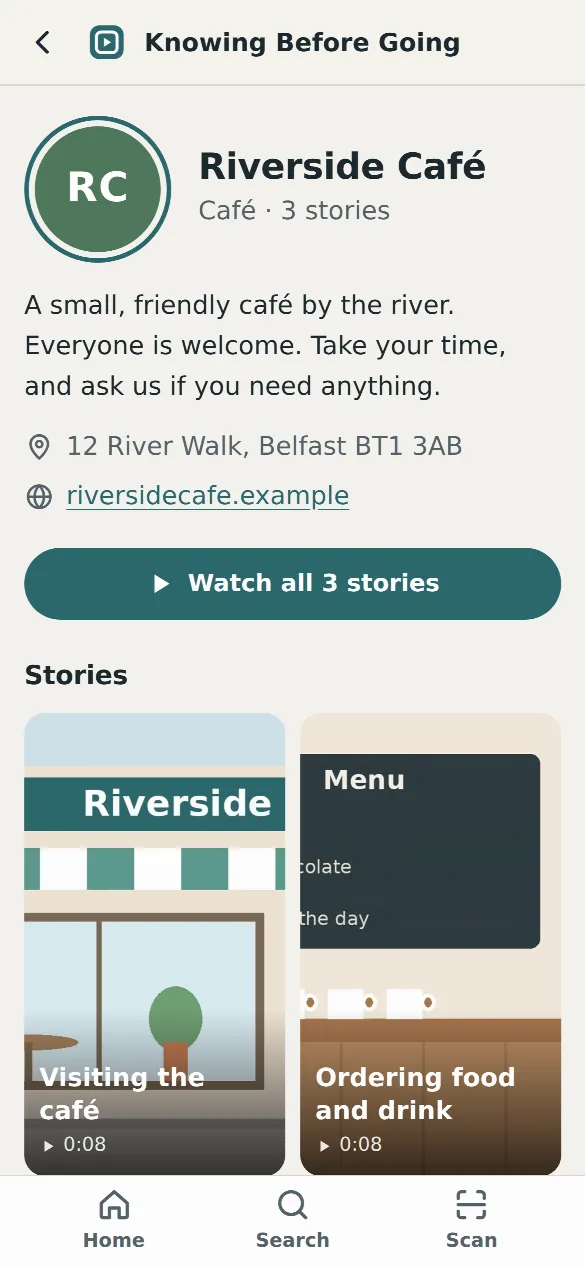
Scan the QR code in a place’s window, or search by its name, your town, or the kind of place, like “café” or “dentist”.
Each story is a short, full-screen video of a visit, filmed by the place itself. Tap to move between its stories.
Every story has the steps written in short, plain sentences, like “When I arrive, I will see a green door with a bell.”
Places add notes about noise, lights, busy times, quiet spaces and where things are, like the toilets.
Watch as often as you like: the week before, the night before, or outside the door on the day.
Share a story with family, a carer, a teacher or a support worker, and talk it through before you go.
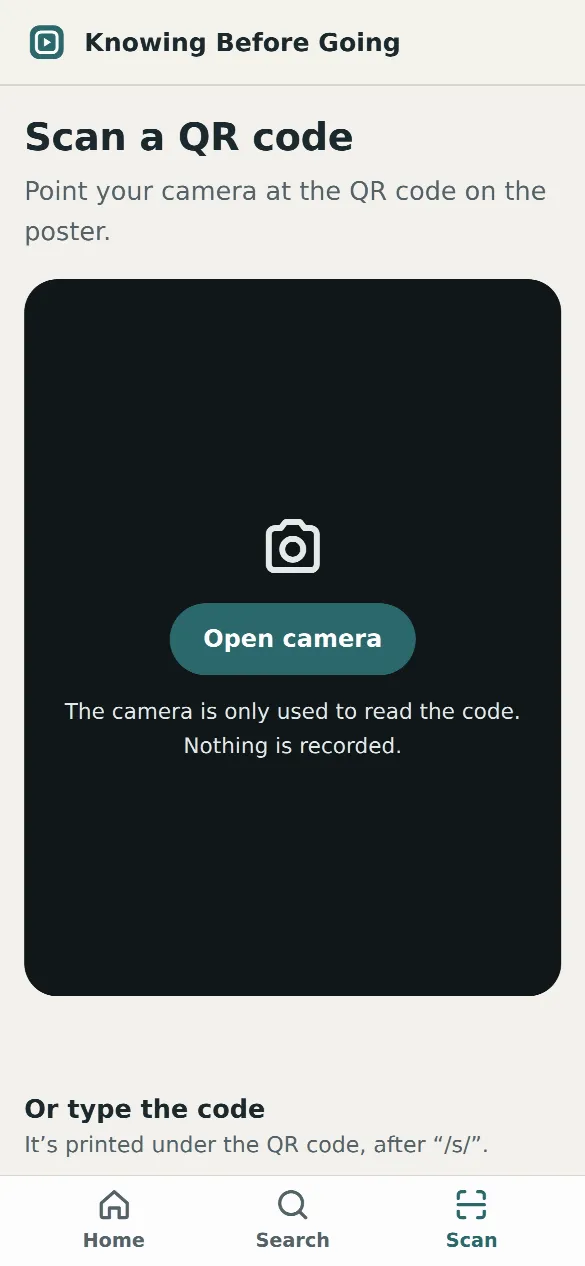
Point your phone’s camera at the QR code, or open the app and search. You can also type the short code printed under the QR code.
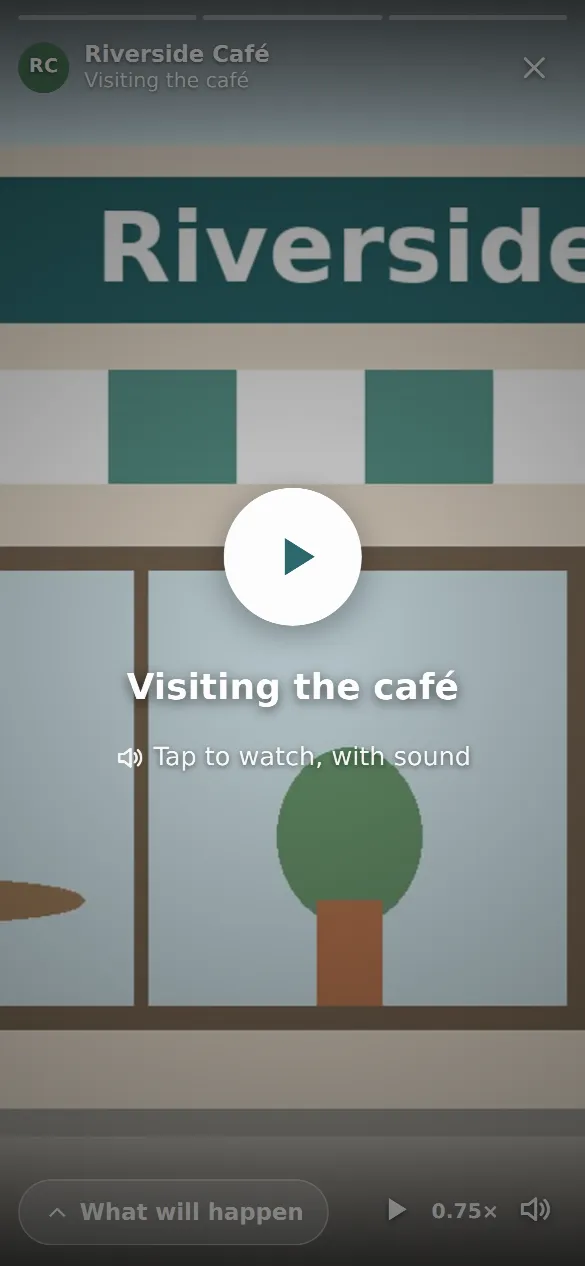
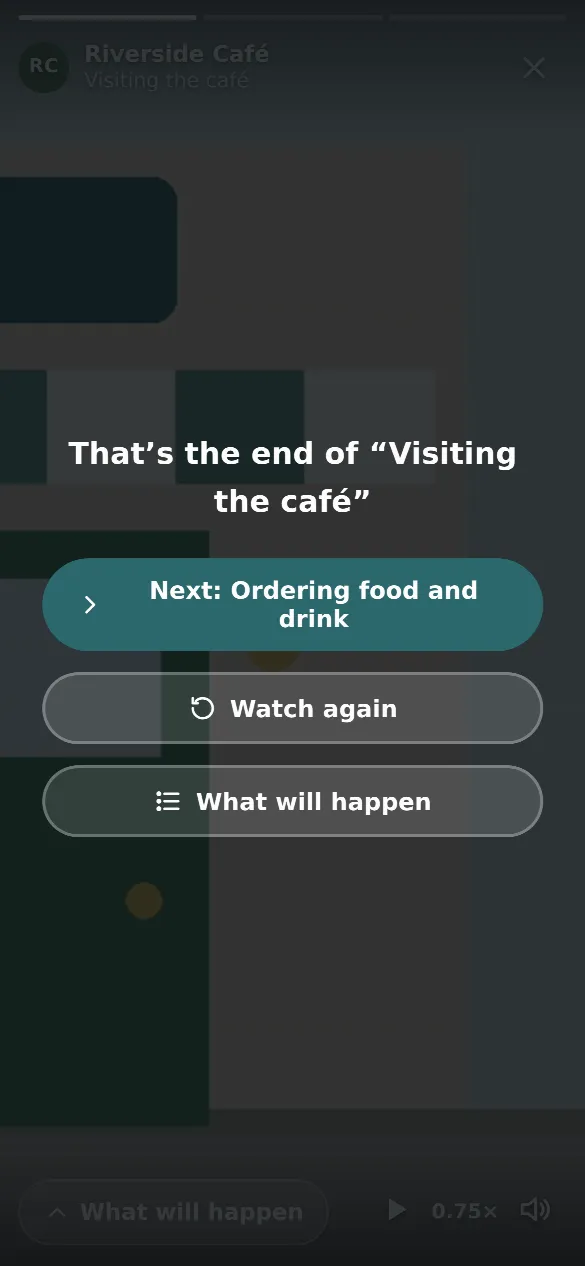
The story waits for you. Tap when you’re ready and it plays full-screen, with sound. Tap the left or right side to go back or forward.
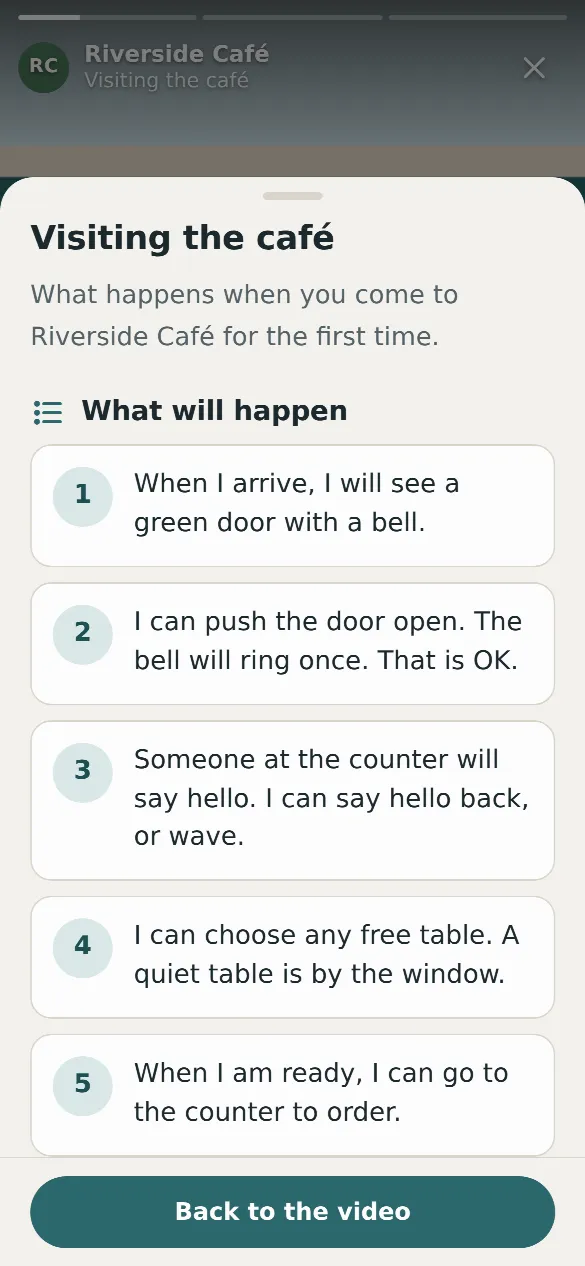
Swipe up, or tap “What will happen”, to read the steps and what’s good to know. The video pauses while you read.
We designed every part of Knowing Before Going with autistic people and anyone who finds surprises hard in mind.
Knowing Before Going is for anyone who finds new places hard, and for the people who support them.
There’s nothing to download from an app store. If you use it often, add it to your home screen and it opens like an app.
Open app.knowingbeforegoing.com/ in Safari, tap the Share button, then “Add to Home Screen”.
Open the app in Chrome and tap “Install”, or open the menu and choose “Add to Home screen”.
Ask them to make a story. It takes a phone and an afternoon, and it helps everyone who visits after you.
Share how it worksYes. Watching stories is free for everyone. You don’t need an account and you don’t need to download anything.
No. Knowing Before Going works in the web browser on any phone, tablet or computer. If you use it often, you can add it to your home screen so it opens like an app.
Scan the Knowing Before Going QR code in the place’s window or on its website, or search by the name of the place, the town, or the kind of place, such as café or dentist.
Nothing plays until you tap, so sound never starts by surprise. Stories never move on by themselves. You can play videos more slowly, pause at any time, and read the steps instead of watching. There is no flashing or moving decoration.
Stories you have opened before will open again without a connection, and you can still read their steps. Videos need an internet connection to play.